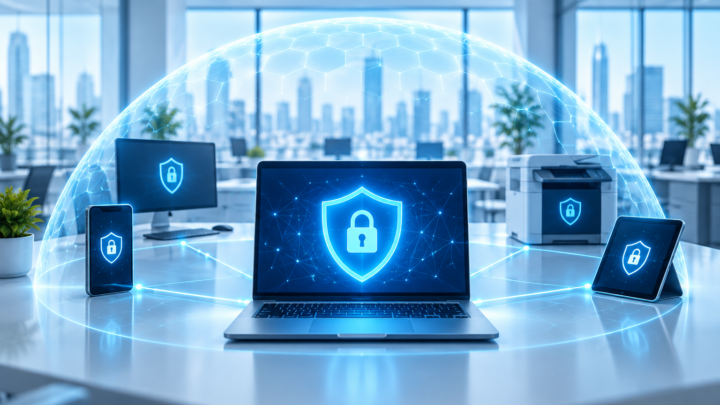
What Is Ransomware? How to Protect Your Business
Ransomware can lock your files and stop your business overnight. Learn how it gets in, six practical ways to reduce the risk, and what to do if you suspect an attack.
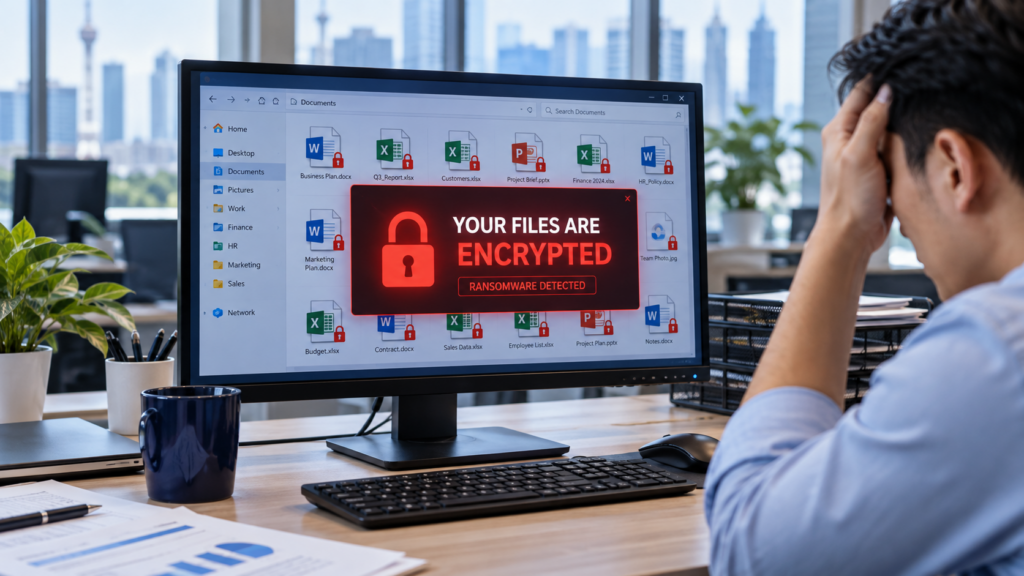
Imagine starting your working day and discovering that your accounting system cannot open, shared folders are inaccessible, and a message demands payment to recover your files.
This is a typical ransomware scenario. For a business, the disruption can affect invoicing, customer service and daily operations.
What Is Ransomware?
Ransomware is malicious software that can encrypt files or lock systems, making them unusable. Attackers then demand payment in exchange for restoring access.
Some attackers also steal confidential information and threaten to publish it. This means recovering your files may not resolve every consequence of an attack.
Paying the ransom does not guarantee that your data will be recovered or that stolen information will be deleted.
How Does Ransomware Enter a Business Network?
Common entry points include:
- Phishing emails containing harmful attachments or links.
- Stolen passwords used to access company accounts.
- Remote Desktop services exposed directly to the internet.
- Security vulnerabilities in outdated software, servers or VPN devices.
Once attackers gain access, they may move between systems and target shared folders and backups.
How Can Your Business Reduce the Risk?
1. Protect Accounts and Remote Access
Use unique passwords and enable multi-factor authentication (MFA), especially for email, administrator accounts and remote access.
Avoid exposing Windows Remote Desktop directly to the internet. Use a properly secured remote access solution, keep it updated and restrict access to authorised users.
2. Keep Systems Updated
Apply security updates to computers, servers, applications and network devices. Prioritise vulnerabilities affecting systems accessible from the internet.
Assign someone to monitor updates so that important fixes are not overlooked.
3. Use Endpoint Protection and Monitor Alerts
Maintain security protection on business computers and servers. Endpoint Detection and Response (EDR) can help identify suspicious activity and support investigation.
Protection requires ongoing attention: alerts need to reach someone who can investigate and respond.
4. Limit Access to Important Data
Employees should only have access to the files and systems required for their work. Use separate administrator accounts for administrative tasks.
Separating guest Wi-Fi, staff devices and critical servers can also help limit the spread of an intrusion.
5. Train Employees to Recognise Suspicious Requests
Encourage staff to verify unexpected attachments, login requests and urgent instructions through a trusted contact method.
Make suspicious emails easy to report. Employees should feel comfortable asking before opening something unfamiliar.
6. Protect Your Backups
Keep backup copies separated from production systems. Include an offline copy or appropriately configured immutable storage that resists alteration and deletion.
Protect backup administration with separate credentials and MFA where supported. Regularly test restores.
Backups support recovery, but they do not prevent attackers from stealing data.
What Should You Do If You Suspect an Attack?
Immediately disconnect affected computers from the network, including Ethernet and Wi-Fi, and contact your IT support team using a trusted device.
Avoid reconnecting devices, deleting evidence or starting an unplanned recovery. Record the ransom message and when the problem began.
Recovery should follow containment and investigation to reduce the risk of systems being compromised again.
Strengthen Your Business IT Security
Effective protection combines secure access, updates, employee awareness, monitoring and tested backups.
Contact MY IT PLT to discuss ransomware prevention and backup protection for your business.
By the MY IT PLT team